
Background processing
IFTT enables scheduling tests directly from the IFTT Cockpit or from transaction /INT4/IFTT_RUN.
To schedule Test Run in background:
A.
Open IFTT Cockpit and select relevant test cases / folders
Choose 'Execute All / selected with runtime parameters' options
or
B
Open transaction /INT4/IFTT_RUN
Specify test cases / folders on the selection screen
Customize test run parameters and output mode
Choose menu item Program > Execute in Background
Specify start time and optionally frequency
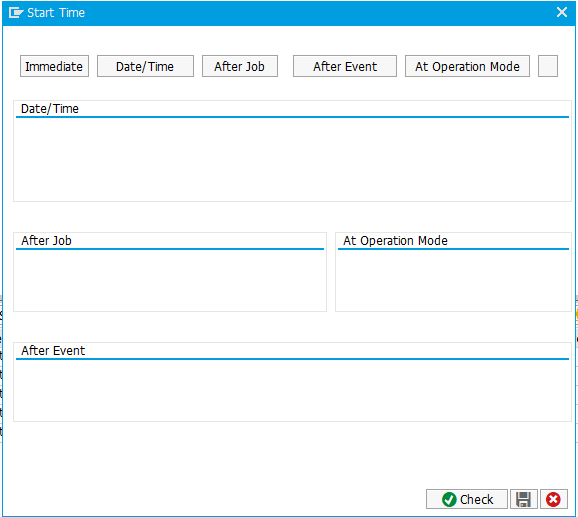
6. Review Job results using menu item System > Own Jobs or using transaction SM37