
Int4 Suite: Automatic test case creation using SAP ICF Robot
The Int4 IFTT ICF Robot is a functionality that comes to simplify and speeds up the mass test case creation process. With the Robot, you have the option to create test cases based on ICF or SRT logs.

Tcode for the SAP ICF Robot is /INT4/IFTT_ICF_ROBOT.
Please note that test cases downloaded from Production landscape might contain sensitive data. This data is stored in IFTT tables and might be sent to other systems during test case execution.
Sensitive data can be scrambled by appropriate rules in the automation objects.
Steps:
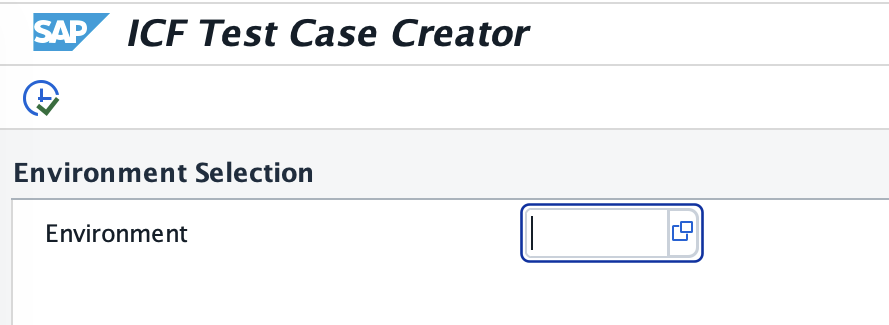
In Environment Selection, please select the environment from which you want to create test cases:
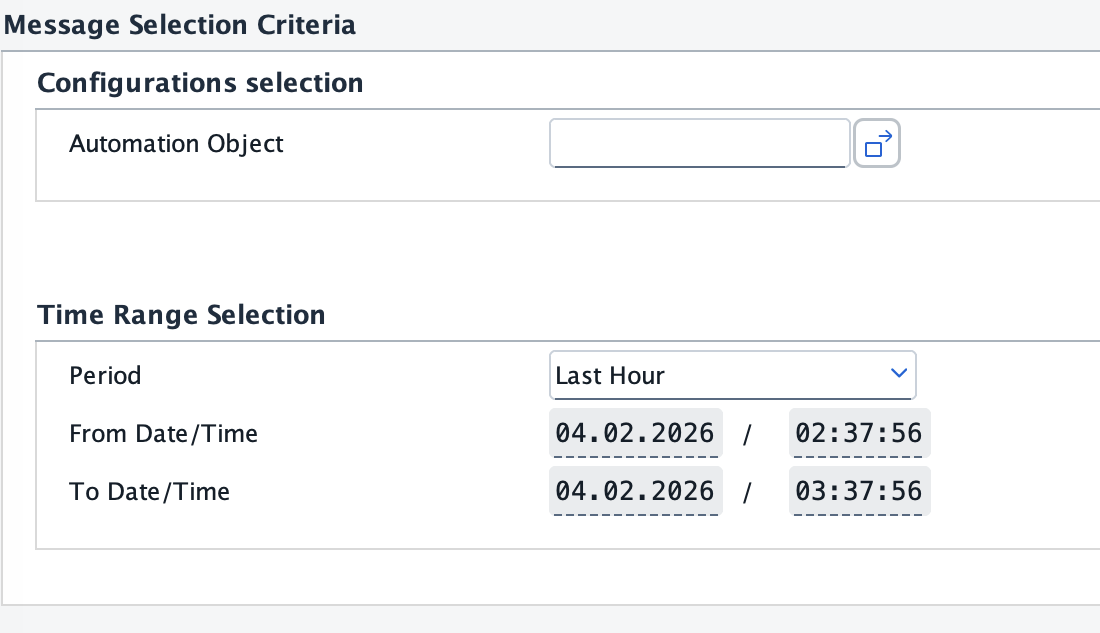
In the next section, called Message Selection Criteria, you can specify all the needed criteria which the Robot should consider during message selection like Automation Objects and Time Range.
In the next section, you can specify Execution Parameters:
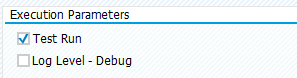
Test Run - Robot will search for messages and list out the results without creating any test cases
Log Level Debug - you can select this option to obtain log messages during execution.
The last section covers information about Test Case Creation Parameters:
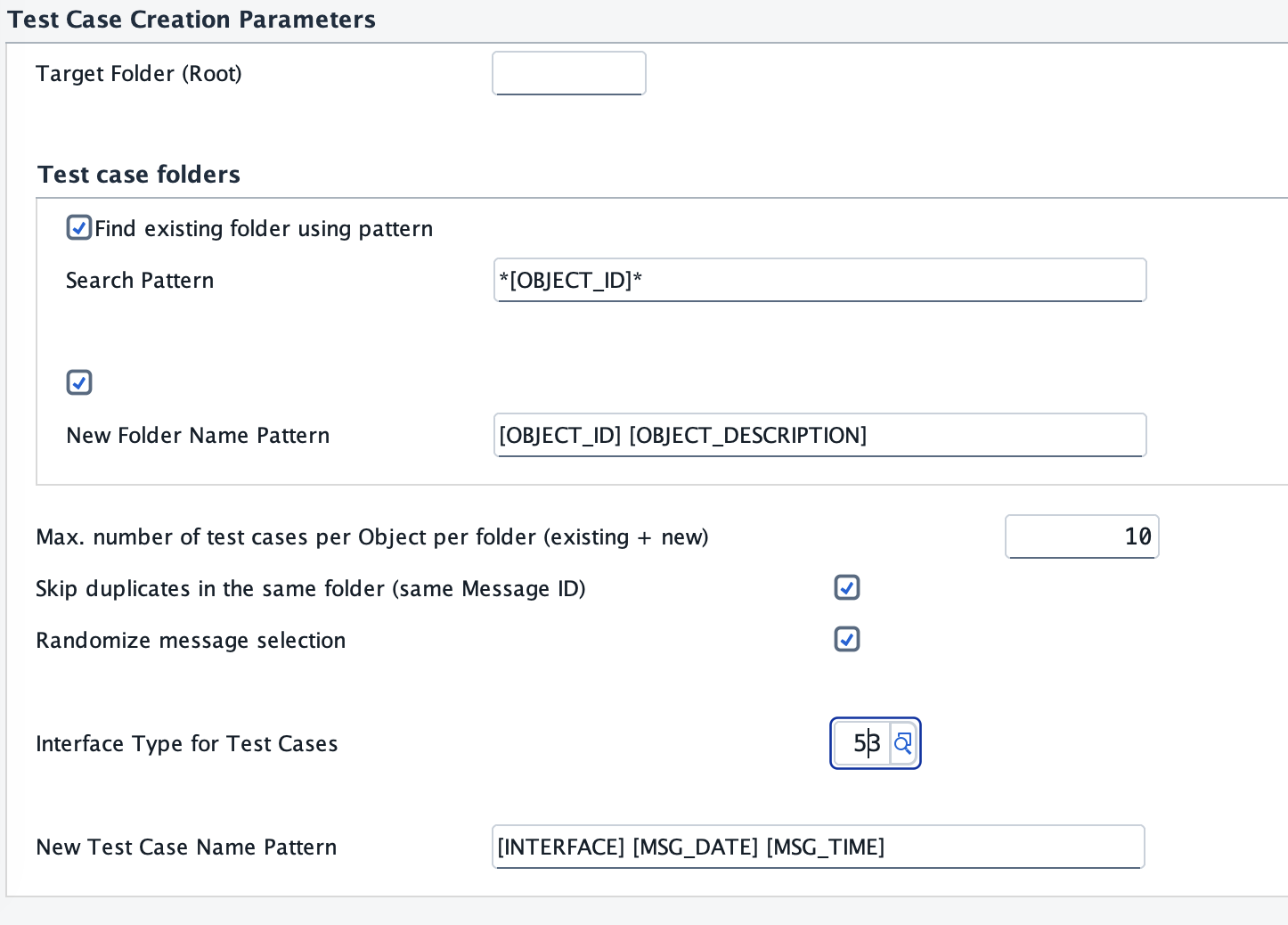
Firstly, specify Target Folder where test cases created by Robot should be located (use the F4 input help if needed).
Define rules about Test Case folders in case folder was not maintained in Extended Configuration.
You can ask Robot to search for an existing folder or create a new one using a search pattern.
For more information about possible Search Patterns, please open the F1 help.Maximum number of test cases per folder (including already existing ones)
Select Skip duplicates in the same folder in case you don't want to have more than one test case with the same MessageID,
Randomize message selection Suppose there is a bigger number of messages in ICF/SRT, for example, 200. In that case, you can select this option to pick up messages randomly instead of picking ten messages in a row.
Define Interface Types for Test Cases - in our case, it will be 53 (ABAP Webservice/ICFO).
After you specify all the criteria, execute the report.
Based on the Execution Parameters, you will get a list with additional information.
SAP ICF Robot automatically fetched messages from the SAP ICF/SRT and creates the folders if needed with test cases based on criteria from the selection screen. You can find a summary at the end of the list. When you open the Int4 IFTT Cockpit (tcode /INT4/IFTT_COCKPIT), you should find test cases in the specified folder with the additional subfolders.