
IFTT enables scheduling tests directly from the IFTT Cockpit or from transaction /INT4/IFTT_RUN.
To schedule Test Run in background:
A.
-
Open IFTT Cockpit and select relevant test cases / folders
-
Choose 'Execute All / selected with runtime parameters' options
or
B
-
Open transaction /INT4/IFTT_RUN
-
Specify test cases / folders on the selection screen
-
Customize test run parameters and output mode
-
Choose menu item Program > Execute in Background
-
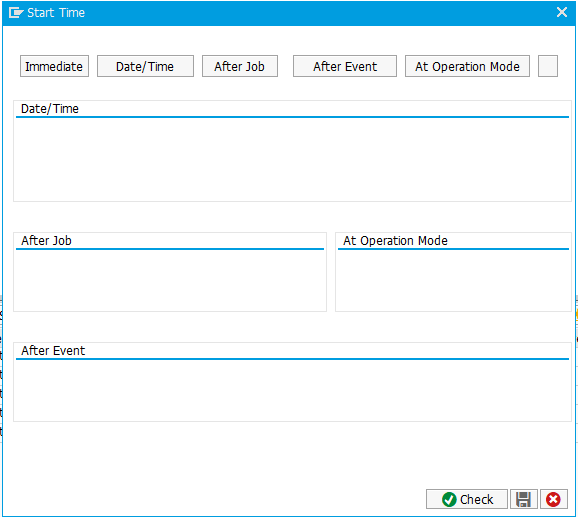
Specify start time and optionally frequency
6. Review Job results using menu item System > Own Jobs or using transaction SM37