
Introduction
This section covers steps for a test case creation for SAP API Management.
Prerequisites
Int4 IFTT Automation object for testing the SAP API Management is created. You can find more details here: Creating the configuration object for SAP API Management
Procedure
-
Create a new test case with Interface type 54 - Generic Synchronous.
-
Choose Int4 IFTT Automation Object.

-
Save a test case.
-
Click on the Content button.

-
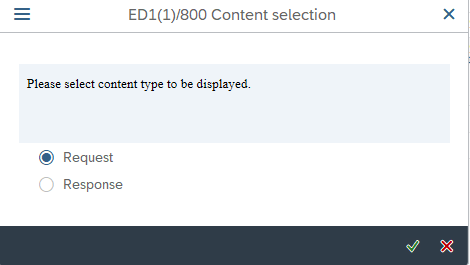
Choose Request from the context menu.
-
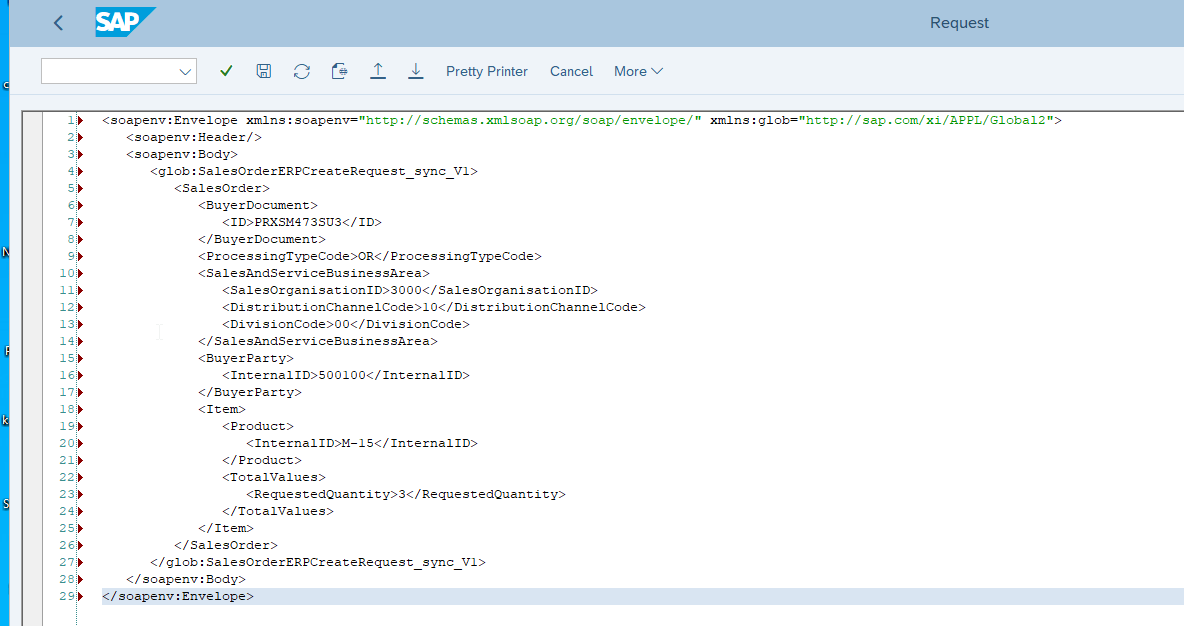
Click the XML Editor button, paste the Request and Save changes.

-
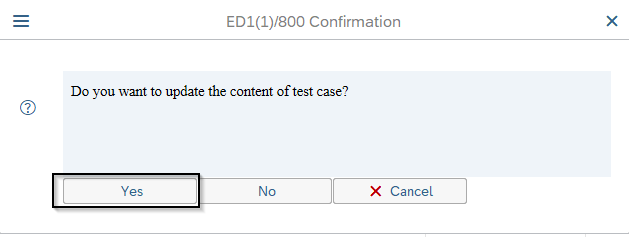
Go back and confirm you want to update the content of the test case.
-
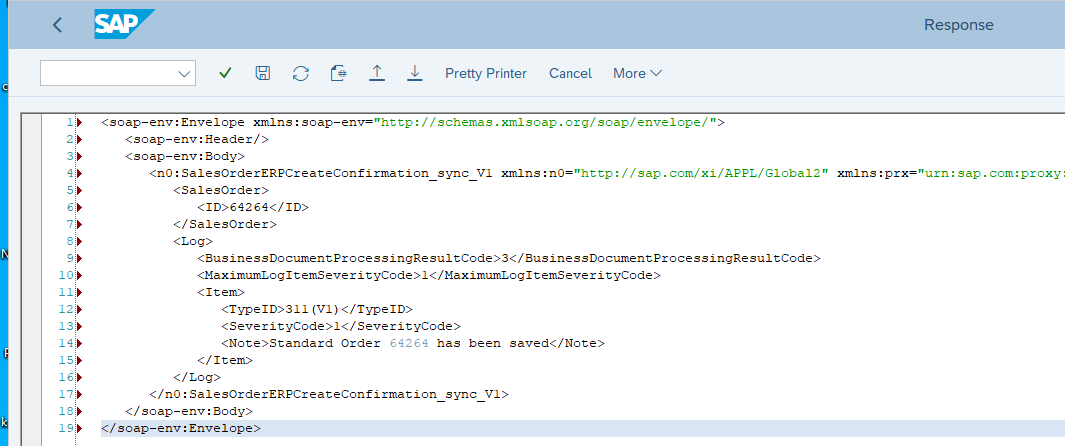
[Optionally] you can also provide a Response message following the same steps (4-7) for the Request message.
-
Save test case.
Test Case is ready to be executed.