
Manual execution of the Service Virtualization Scheduler is providing possibility to regulate response outputs creation effectively. This manual trigger allows for precise intervention during the generation cycle in comparison to fully autonomous standart Int4 Messenger operation mode.
Starting Service Virtualization Scenarios
Start by logging into Your SAP Fiori cockpit. Depending on Your user authorization, You will see a screen with sets of Fiori tiles. Find the one related to Service Virtualization Scheduler and click it.
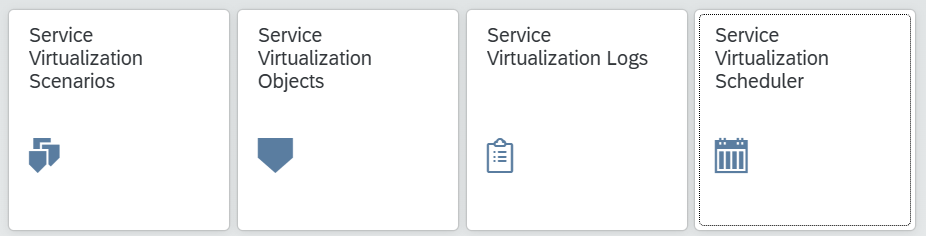
Service Virtualization Scheduler elements
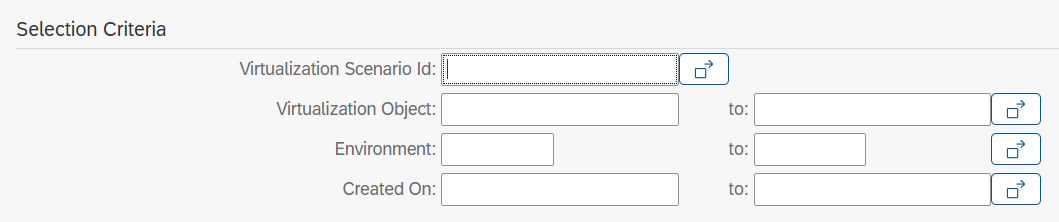
Selection screen allows to control selection of:
-
Virtualization Scenario Id
-
Virtualization Object
-
Environment
-
Created On Date - date of the data collection entry