
Post Upgrade steps have to be executed directly after Support Package installation
After the support packages upgrade make sure to perform post upgrade steps in the Int4 Configuration.
-
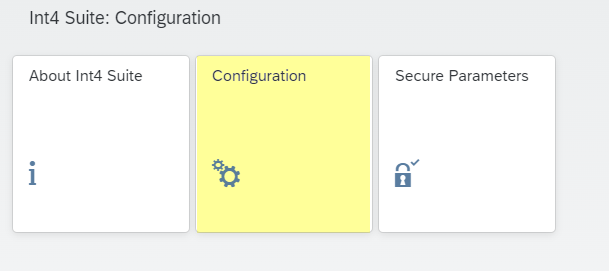
Open the Configuration Tile
-
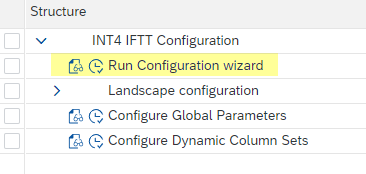
Select Run Configuration Wizard
-
Check if there are any inconsistencies.

If the inconsistencies are found - go to the next step. Otherwise no steps are required.
-
Select the line with the inconsistent status and click the Customize button. Repeat the step for all the lines with inconsistencies.

