
Custom Validations
Custom Validations offer enhanced flexibility for evaluating test case results by allowing the implementation of custom logic using ASTER Scripts.
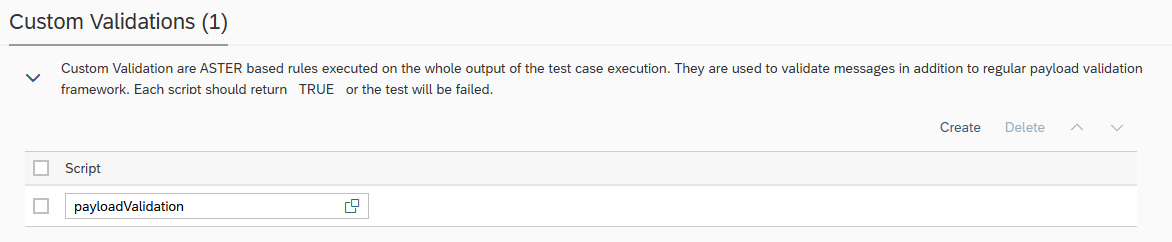
Within the script, you can access test execution data using built-in Int4 Suite functions such as:
-
GET_TC_VAR– to retrieve test case variables -
GET_VALIDATION_PAYLOADS– to access payloads used during validation
For the test case to be marked as successful, the script must return a _TRUE_ value.
Additional output from Custom Validations
There is a possibility for a Custom Validation ASTER script to return both the overall validation status and additional instructions to display extra information in the test case results. This requires returning a list/table with validation results at index 1 and additional output instructions at index 2.
The table structure shown below is a working example that can be copied and modified for particular use case.
The recommended way to construct the table is to use a helper script Visuals.inc that includes the table generation functions and basic usage instructions. VTBL_RENDER function may be then used to return the code to be placed under index 2 of the validation result. Other functions will be available in future.
Contact Your Customer Success representative in order to obtain the Visuals.inc source and get support in enhancing the test report output.
# example code to return validation result and additional output instruction
RES[1] = RES;
RES[2] = `{"type":"simple_table","name":"Soft Validation","screenSection":"legacy","sectionName":"","columns":[{"header":"ID","type":"number","align":"right"},{"header":"Kind","type":"text"},{"header":"Rule","type":"text"},{"header":"Status","type":"text"},{"header":"Justification","type":"text"}],"rows":[{"s":"good","d":[1,"a","b","c","d"]},{"s":"error","d":[2,"a","b","c","d"]}]}`;
RES