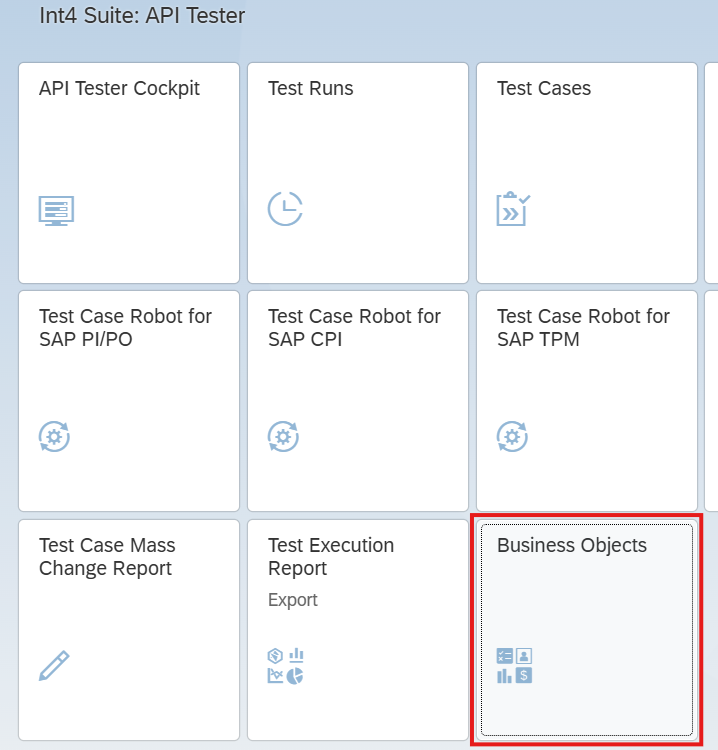
To start working with Business Objects go to the Fiori launchpad and select the Business Objects tile.
Business Objects list will open, with typical list filtering features available

Elements of Business Objects list
-
Id - unique Id and technical name of the Business Object - this value is referred by Business Object Automation Object
-
Description - informative and business relevant description of the object
-
Created by - user that created Business Object
-
Created At - timestamp of the Business Object creation
Business Objects list features
-
List filtering
-
Create new Business Object
-
Delete selected Business Object
-
Export Business Object
-
Import Business Object
-
Copy Business Object
Working with Business Objects
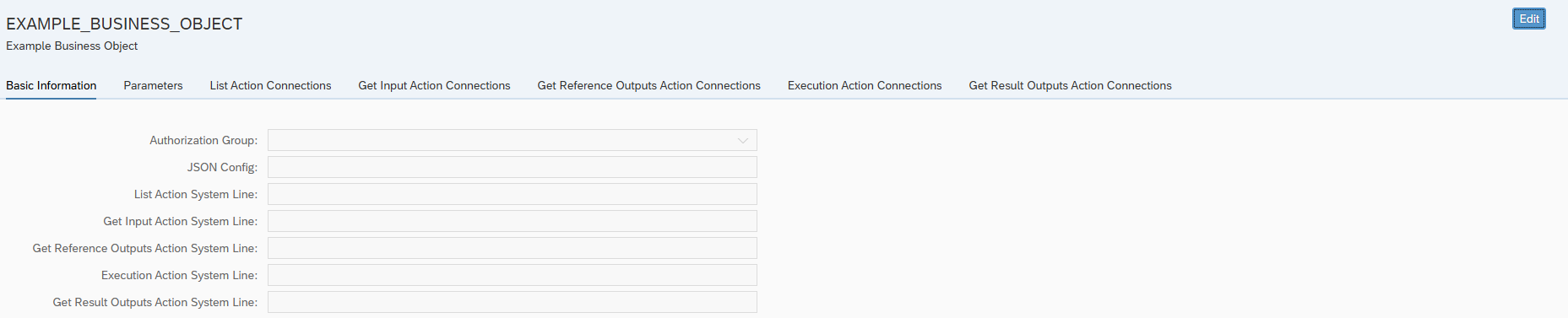
Clicking an Business Object from the list or creating a new one will open Business Object edition screen.