
To import the license received from Int4 go to transaction: /n/int4/iftt_license
-
Click the Install button to proceed with the license installation.

-
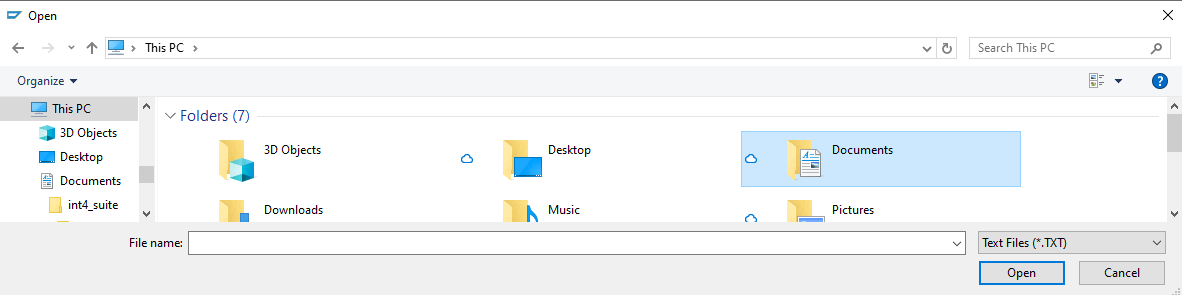
Please select the *.txt file that contains the license from int4 located in your local directory.
-
Please read and accept the General Terms and Conditions to continue.

-
Once you have successfully added the installation file, you will see the available license displayed along with all the relevant details.
