USE:
You configured the testing scenario and created suitable test cases. Now, you want to execute the test case. Int4 Suite allows running test cases in several modes.
PROCEDURE:
Open Int4 Suite Cockpit and navigate to the relevant scenario. You can either execute all test cases which are located in the folder (option 1.) or select a few of them (option 2.):
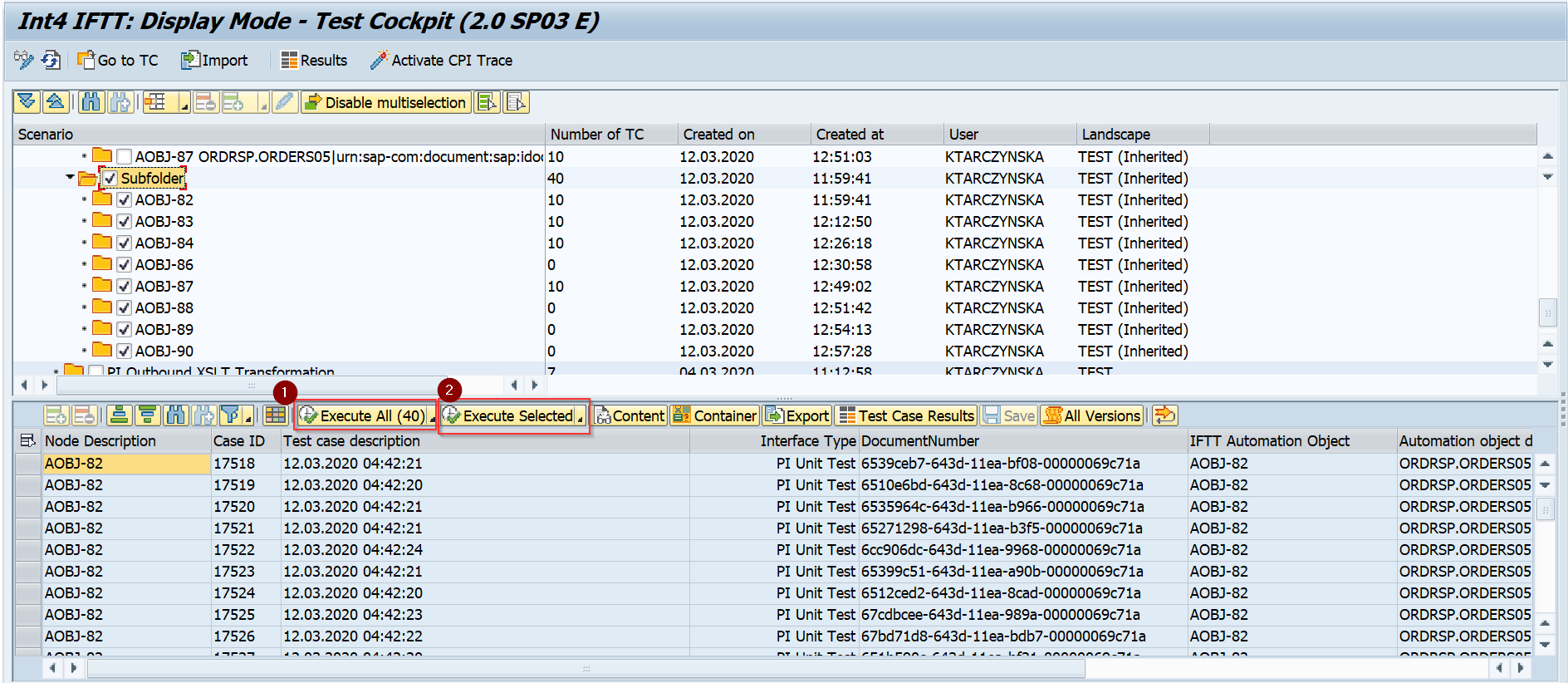
Furthermore, each option (Execute All / Execute Selected) supports you with additional functions:
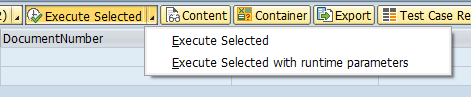
-
Execute All / Selected - run test cases without any additional criteria,
-
Execute All / Selected - run test cases with runtime parameters. In this case, an additional screen is displayed which allows parametrization of the test run:
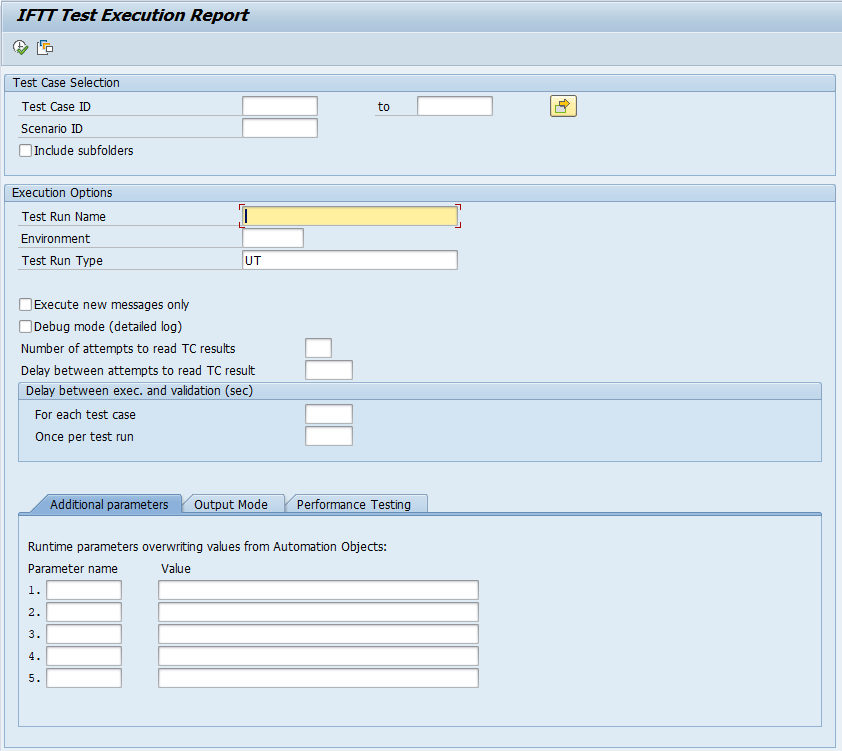
It is possible to customize following aspects of the test run:
-
Test Run Name
-
Execution Environment
-
Test Run Type
-
Execute new test cases only
-
Debug mode (detailed logging)
-
Number of attempts used to read results and delay between attempts
-
Additional parameters (provided values override Automation Object values)
-
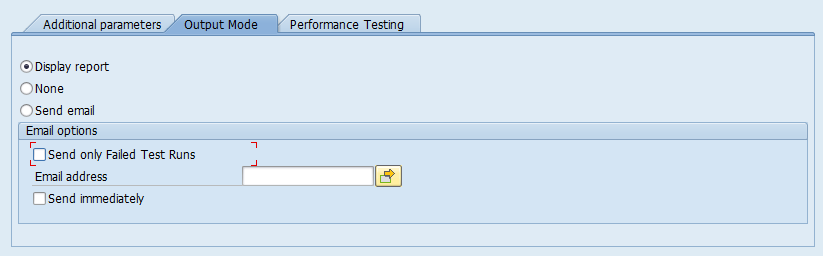
Output mode (displaying report / sending e-mail with results)